Save recipes from Instagram, YouTube, any blog or a cookbook photo. Whatever language the page is in, the recipe comes out in English or German. Eight more app languages are coming in the next update.
Food blogFarfalle with pesto & tomatoes4 servings · 25 min
YouTubeSalmon power bowl2 servings · 30 min
CookbookRoasted tomato soup4 servings · 50 min
InstagramKale salad with jammy eggs2 servings · 15 min
YouTubePizza margherita2 servings · 45 min
Food blogChickpea & avocado bowl2 servings · 20 min
InstagramPrawn spaghetti4 servings · 25 min
CookbookFrench toast with berries2 servings · 15 min
YouTubePenne al pomodoro6 servings · 55 min
Your language
Your language
A French page in. Your recipe out.
A real import from marmiton.org: French crêpe batter, 7 ingredients, 7 steps. Zuppa kept every amount and wrote the recipe out in English and German. Nobody typed anything.
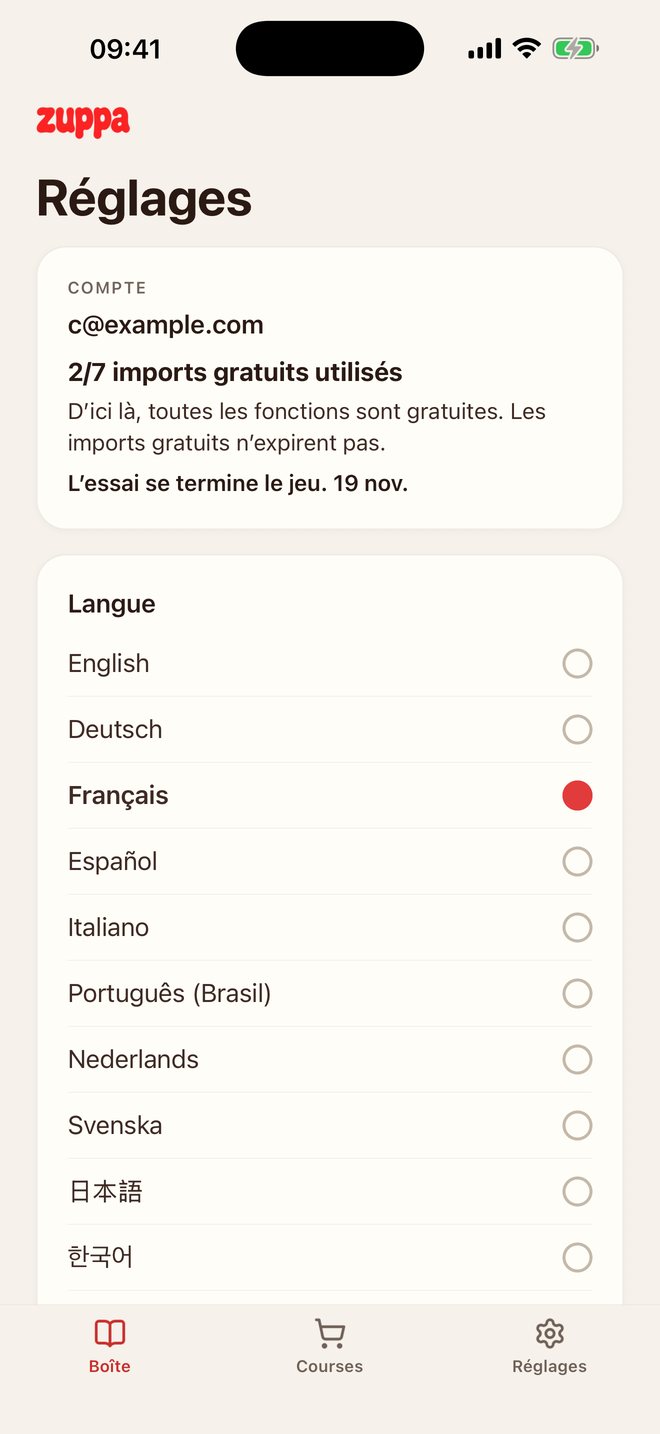
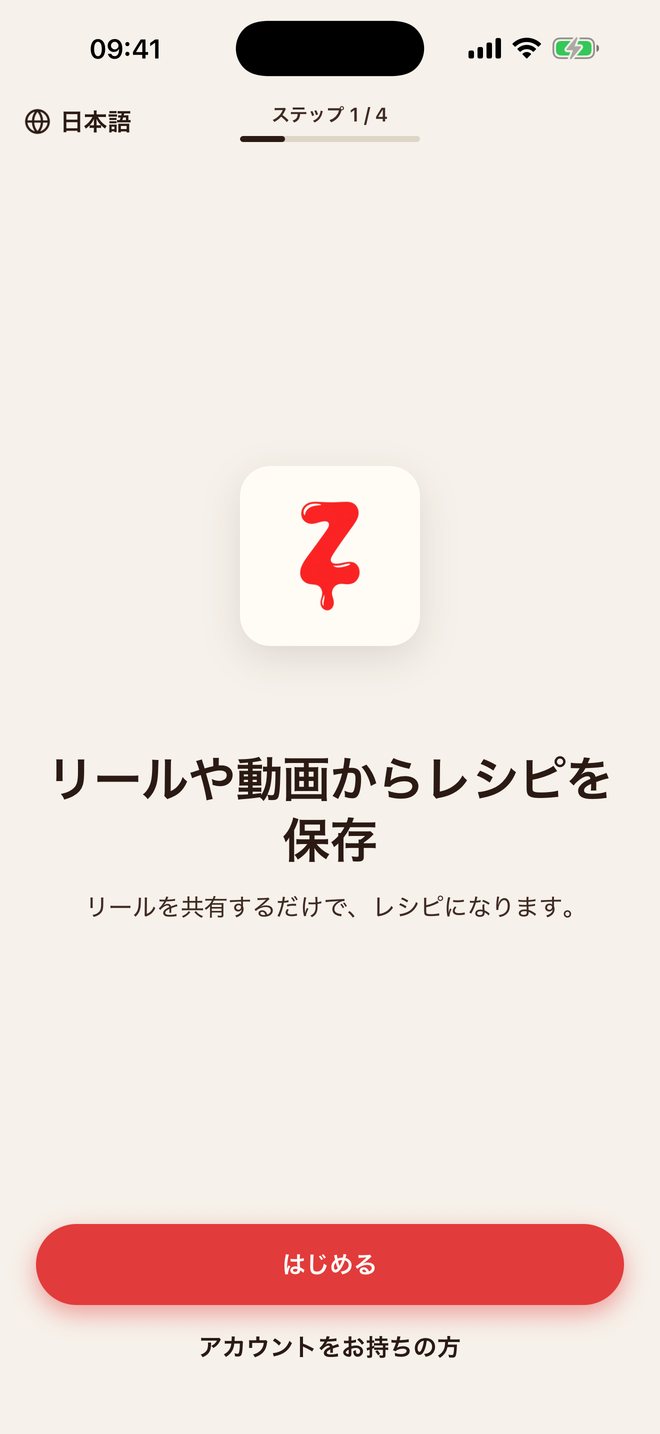
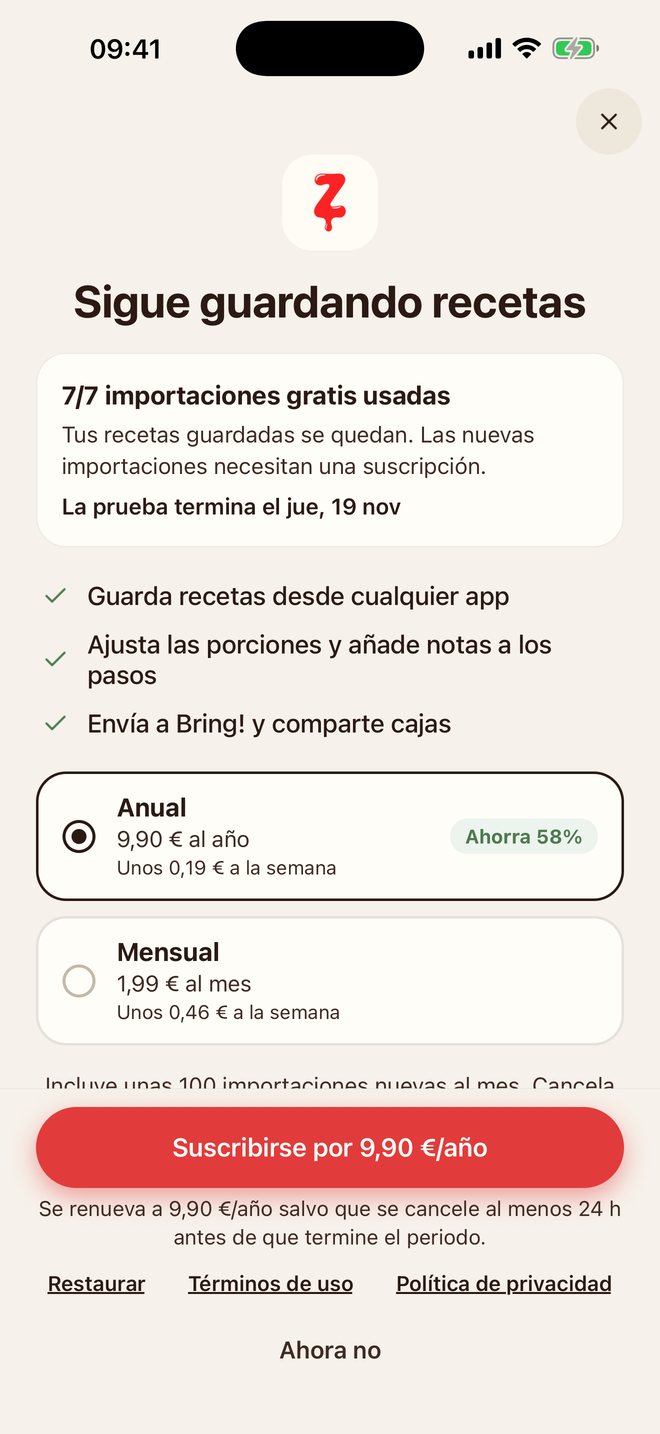
Screens from the test build of the next update: settings in French, the welcome screen in Japanese, the subscription screen in Spanish.
01Feed
Feed
Every recipe from every feed. Forever.
Instagram, YouTube or Safari: share to Zuppa. No copying links. The feed scrolls on — your box keeps the recipe.
InstagramYouTubeSafariCamera
NewPaper counts as anywhere.
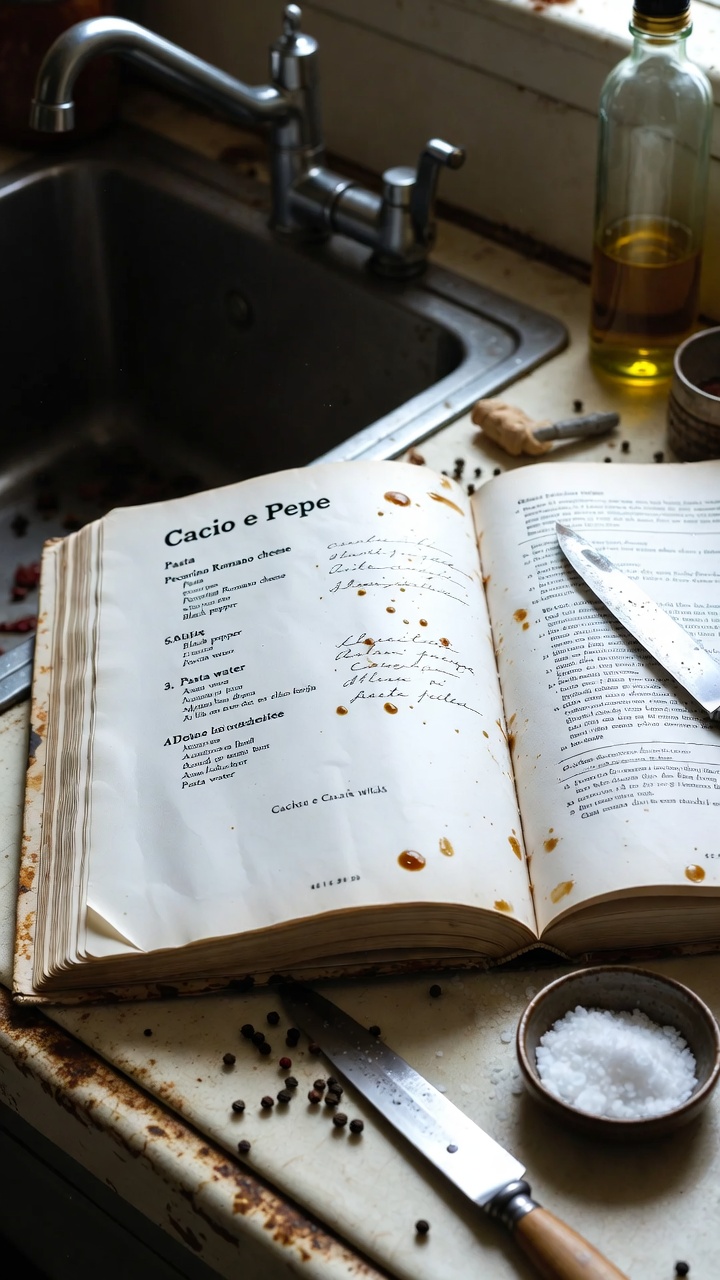
A cookbook page or nonna’s handwritten card — take a picture and it’s filed like everything else.
Nnonna.cooks
the onlycacio e pepeyou’ll ever need. story time: my love affair with pecorino began on a hillside in Lazio…400 g spaghetti · 200 g pecorino · 2 tsp peppercornslike & follow for part 2, link in bio, use code NONNA10 …
Cacio e pepe
4 servings · 20 min · 4 ingredients
400 g spaghetti
200 g pecorino romano, finely grated
2 tsp black peppercorns
salt for the water
02Box
Box
One clean box for all of them.
Every save lands as the same clean recipe — photographed, tagged, searchable. Heart the ones you cook most. Several boxes: tap the name at the top.
Search everything — “pecorino” finds the recipe and your note about it.
Share a box — invite with a link. Default is editor; viewer can look, not edit.
Favourites — heart a recipe on the photo. Find it later with the chip.
Scale servings — on the recipe; the amounts follow.
Stars & notes — at the bottom of every recipe. The pencil edits the rest.
7 free extracts left
Your box
Search title, ingredient, tag…
Cacio e pepe4 servings · 20 min
Penne al pomodoro6 servings · 55 min
Roasted tomato soup4 servings · 50 min
03Shop
Shop
The list writes itself.
Add to shopping list puts the ingredients in the app — grouped by recipe, ready to tick off.
Add to shopping list — straight from the recipe.
Send to Bring! — from the recipe or the shopping tab, and the ingredients open in Bring!. One way: the list in Zuppa stays. Bring! must be installed.
Clear checked
Shopping list
Cacio e pepe
400 g spaghetti
200 g pecorino romano
2 tsp black peppercorns
Penne al pomodoro
1 kg ripe tomatoes
1 bunch basil
500 g penne
Send to Bring!
04Kitchen
Kitchen
Read it from the stove.
One step at a time, in type you can read with flour on your hands. Your notes sit right on the step, the ingredients you need are one glance away.
One step at a time — Big type you can read with flour on your hands.
Screen stays awake — Until the pasta is done.
Notes on the step — Your notes sit right where you need them; the ingredients are one glance away.
Screen stays awake
Step 1 / 6
Toast the pepper in a wide pan.
Until fragrant — then crack it coarsely.
2 tsp black peppercornsa wide pan
Step 2 / 6
Boil the pasta in half the usual water.
Well salted — save a mug before draining.
400 g spaghettisalt for the water
Step 3 / 6
Whisk the pecorino with cool pasta water.
A splash, until it’s a thick cream.
200 g pecorino romanopasta water
Step 4 / 6
Move the pasta to the pepper pan.
Two minutes early, with a ladle of pasta water.
a wide panpasta water
Step 5 / 6
Off the heat, toss with the pecorino cream.
Wait a breath first.
pecorino cream
Step 6 / 6
Loosen with pasta water until glossy.
More pecorino on top.
pecorino romanopasta water
05Table
Table
Share the reel. Share the box.
In Instagram, YouTube or Safari: Share, then Zuppa in the iOS sheet — don’t copy the link. Out: the iPhone share sheet, a public getzuppa.com/r/… page, or an invite into a box. Source stays credited. No app needed on the other end for a recipe link.
Unlimited extracts, scaled portions, step notes, boxes you can share, public links, shopping list and Bring!. Start with 30 days of premium, free — and 7 extracts that stay yours.
Your box is yours. Forever.Stop subscribing and you keep everything — every saved recipe, sharing and receiving included. The subscription only covers extracting new ones.
iPhone · iOS 17+ · App in English + Deutsch, 8 more languages in the next update





 Cacio e pepe
 Penne al pomodoro
